
UNOFFICIAL BO1 ZOMBIES BROWSER PROJECT
COD Zombies Browser — BO1 Zombies Online
Kino der Toten. One more round.
COD Zombies Browser is an unofficial browser project for Call of Duty: Black Ops (BO1) Zombies. This version includes Kino der Toten only, with single-player gameplay and desktop keyboard-and-mouse controls.
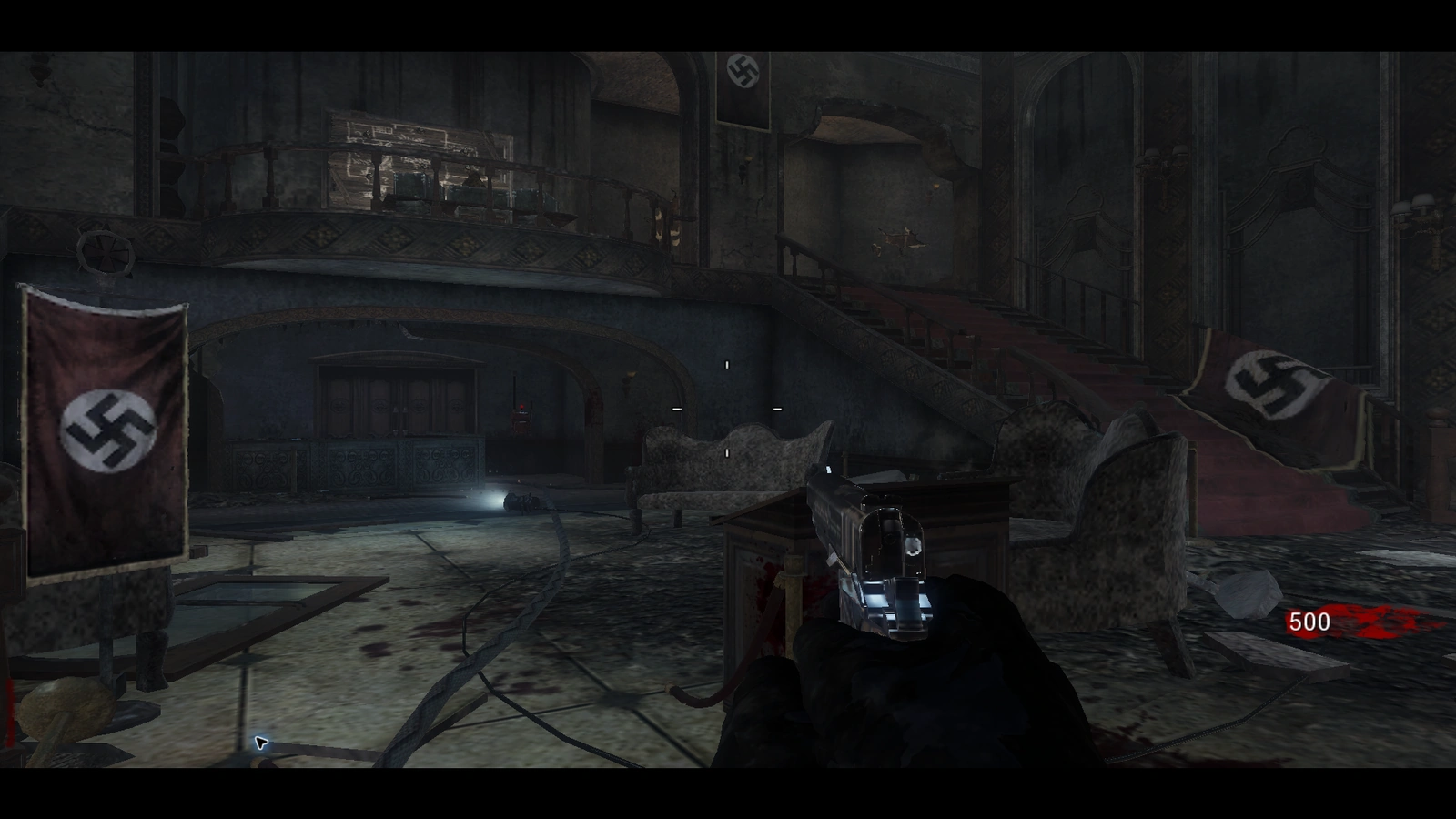
GAMEPLAY PREVIEW
Kino der Toten
Desktop keyboard & mouse required
Game access is being prepared. You can read the controls and help below.
Watch the loading progress inside the game. At Ready, click the game picture to activate mouse control and sound. Before using this toolbar, press Esc and confirm the game is PAUSED. Closing or leaving ends this instance; progress may be lost.
YOUR FIRST VISIT
How to Play
-
Prepare your desktop
Use a keyboard, mouse and desktop browser. Check the current game status before starting.
-
Let the resources load
Choose Play when access is available. Watch the game’s actual progress; the first visit loads substantial resources.
-
Click in and take control
At Ready, follow the prompt to click the game picture. Confirm PAUSED with Esc before looking away.
GET YOUR BEARINGS
Controls
Bindings shown by the current build. You can inspect them in the game under Esc → Settings → Controls.
- W A S D
- Move
- Mouse
- Look around
- Left click
- Fire
- Right click
- Aim
- R
- Reload
- F
- Interact / buy
- Space
- Stand / jump
- C
- Toggle crouch
- 1 / wheel down
- Switch weapon
- Esc
- Pause menu / release mouse
Mouse capture and the game pause menu are different. Confirm PAUSED before leaving the picture. The website cannot pause or save the game for you.
Full control reference(opens in a new tab)BEFORE YOU START
Frequently Asked Questions
What can I play?
The current project is Kino der Toten from BO1 Zombies in single-player mode. Other maps and multiplayer are not offered by this website.
Why can loading take a while?
The browser loads a substantial set of resources on your first visit. Cached resources can reduce repeated transfers, but engine and map startup still take time. Watch the real progress and error text in the game. Repeated refreshing can restart work.
Do I need to upload game files?
The current configured build loads its resources from the game service. Players do not need to upload local game files. The browser still transfers and caches game data; this is not a zero-download experience.
Which device should I use?
Use a desktop computer with a keyboard and mouse. Windows desktop Chrome has recorded standalone runs. Other browser and system combinations need separate verification. Mobile gameplay is not supported; this page remains readable on mobile.
How do I activate sound and mouse control?
After Ready, click inside the game when prompted. Keep the game in the foreground and check browser, system and game volume. If capture is declined, follow the on-screen prompt to click again. A website button cannot prove that sound is audible.
Can I pause, close and resume later?
Press Esc and confirm the game shows PAUSED before looking away. Use Resume Carnage to return and click the picture again if needed. Closing the website player ends its instance. Resource caching is not a saved round; do not rely on closing or refreshing to preserve progress.
What if the game does not appear?
Keep the actual error text, check the game service status, and use the current approved entry. A login or framing error needs attention from the site maintainers. Do not disable browser security or repeatedly clear your stored data.
BROWSER & DEVICE SUPPORT
Browser and Device Support
Browser graphics, storage and input capabilities vary by device. Check the requirements below.
- Windows · desktop Chrome
- Local player tested
Keyboard and mouse required.
- Edge · macOS · Linux · other browsers
- Not yet verified
No compatibility promise until the actual browser and game build are tested.
- Android · iPhone · iPad
- Gameplay unavailable
Read the controls and help here; use a desktop computer to play.
CURRENT AVAILABILITY
Public release pending
This version is not available for public play yet.
Current scope
Kino der Toten · Single-player · Desktop
Public game checks are still in progress.
Read detailed help(opens in a new tab)